
New mBBI mobile app
Connect with your Bank for faster transactions and a better user experience
24/7
Manage your finances with BBI Bank no matter where you are
Install
the new mBBI app
Access BBI Bank for your daily banking needs, anytime and from any location
- Push notifiications
- PIN/ mToken
- Activation/ Reactivation
- Sign In screens
- Profile setup
- eRežija
- Contakt
- Make a Payment / Create an Account
Explore new features
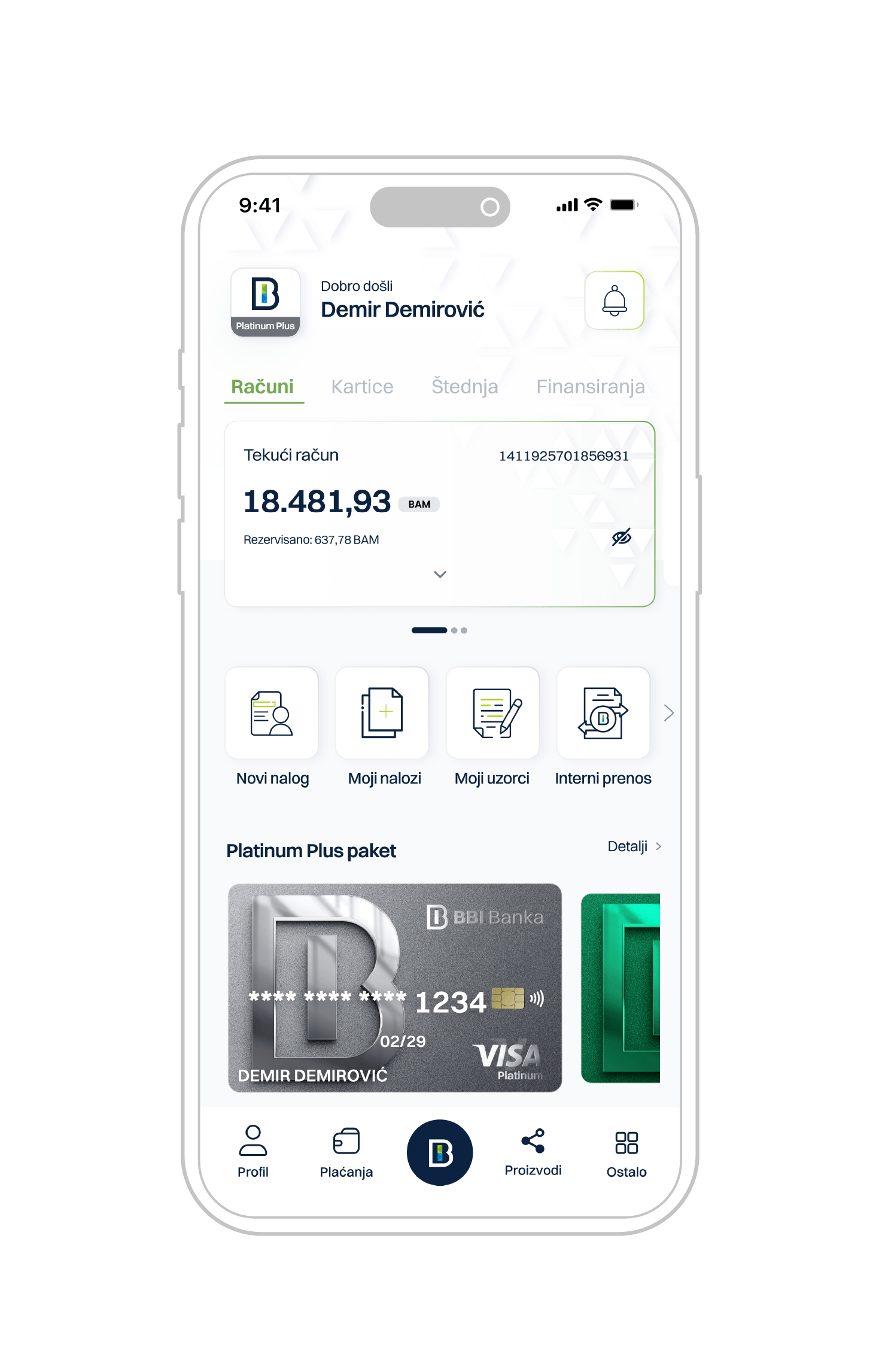
Personalized home screen
Personalized home screen with a greeting message and the user's name
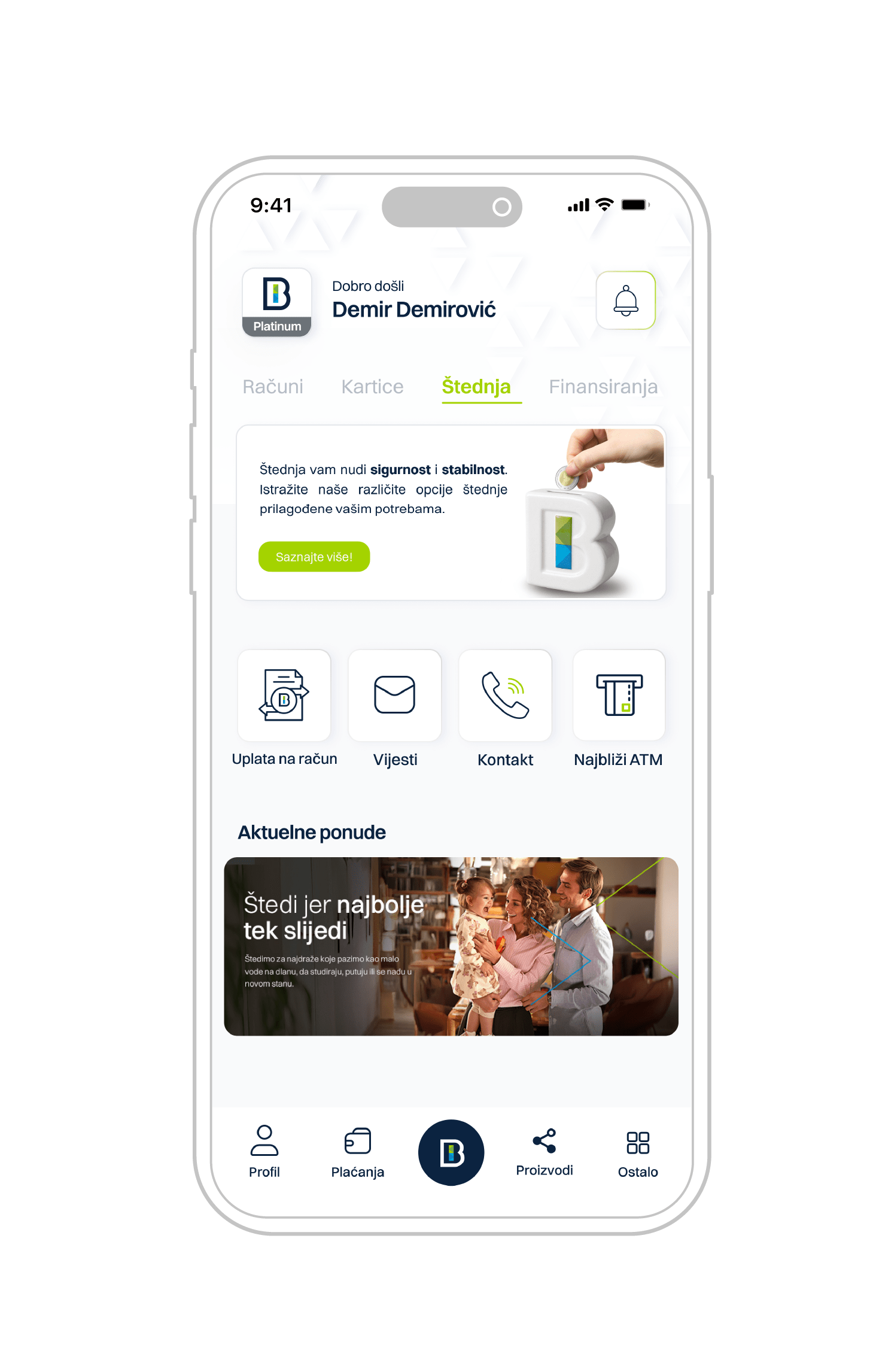
Product category menu
Display of the product type menu (Accounts, Cards, Financing, Savings). Within each product group, by swiping left or right, users can view all active items from that group—for example, current account, a vista account, etc."
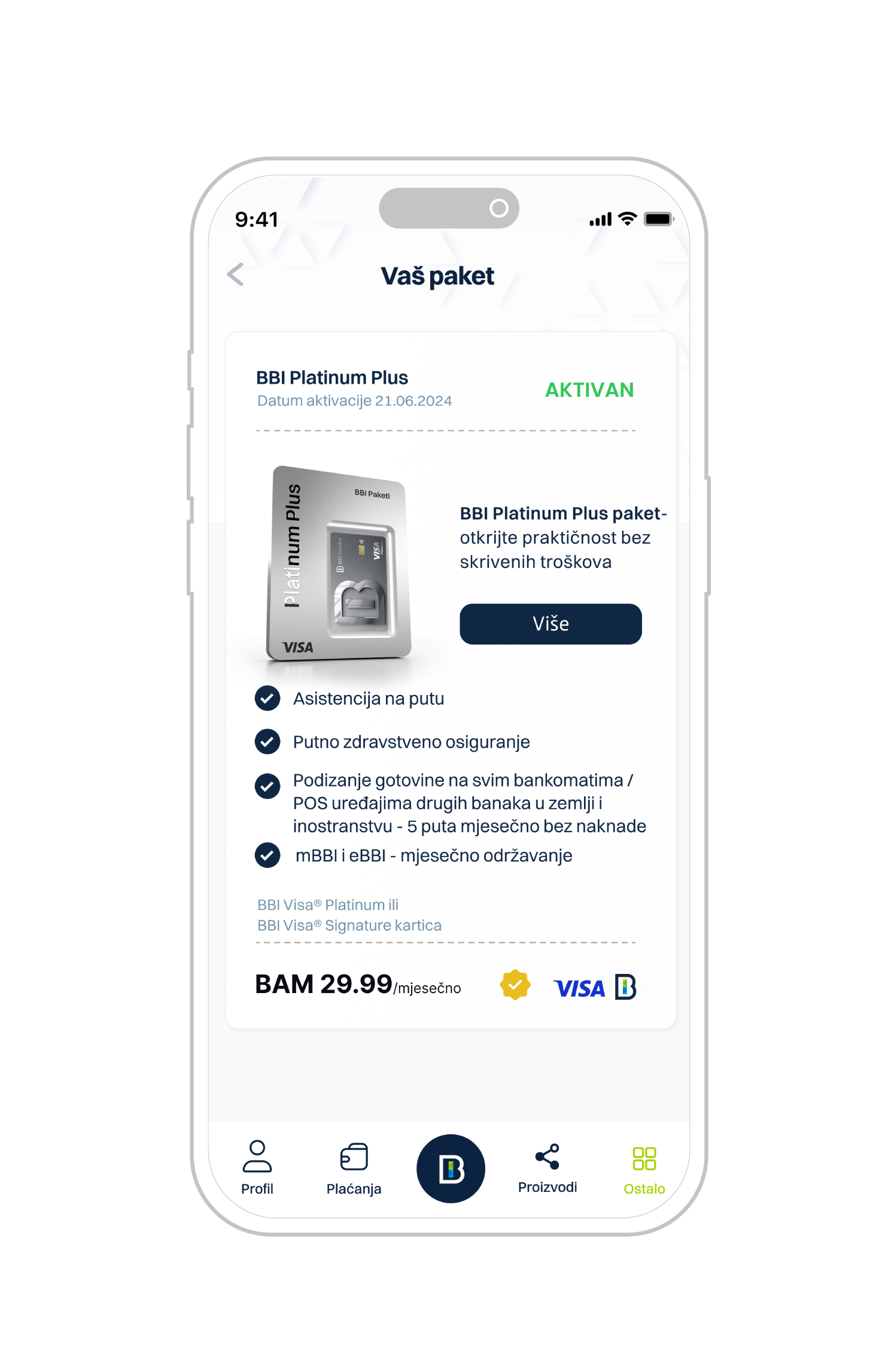
Current package type
Display of the type of contracted product and service package currently in use, including valid benefits and useful information for the user
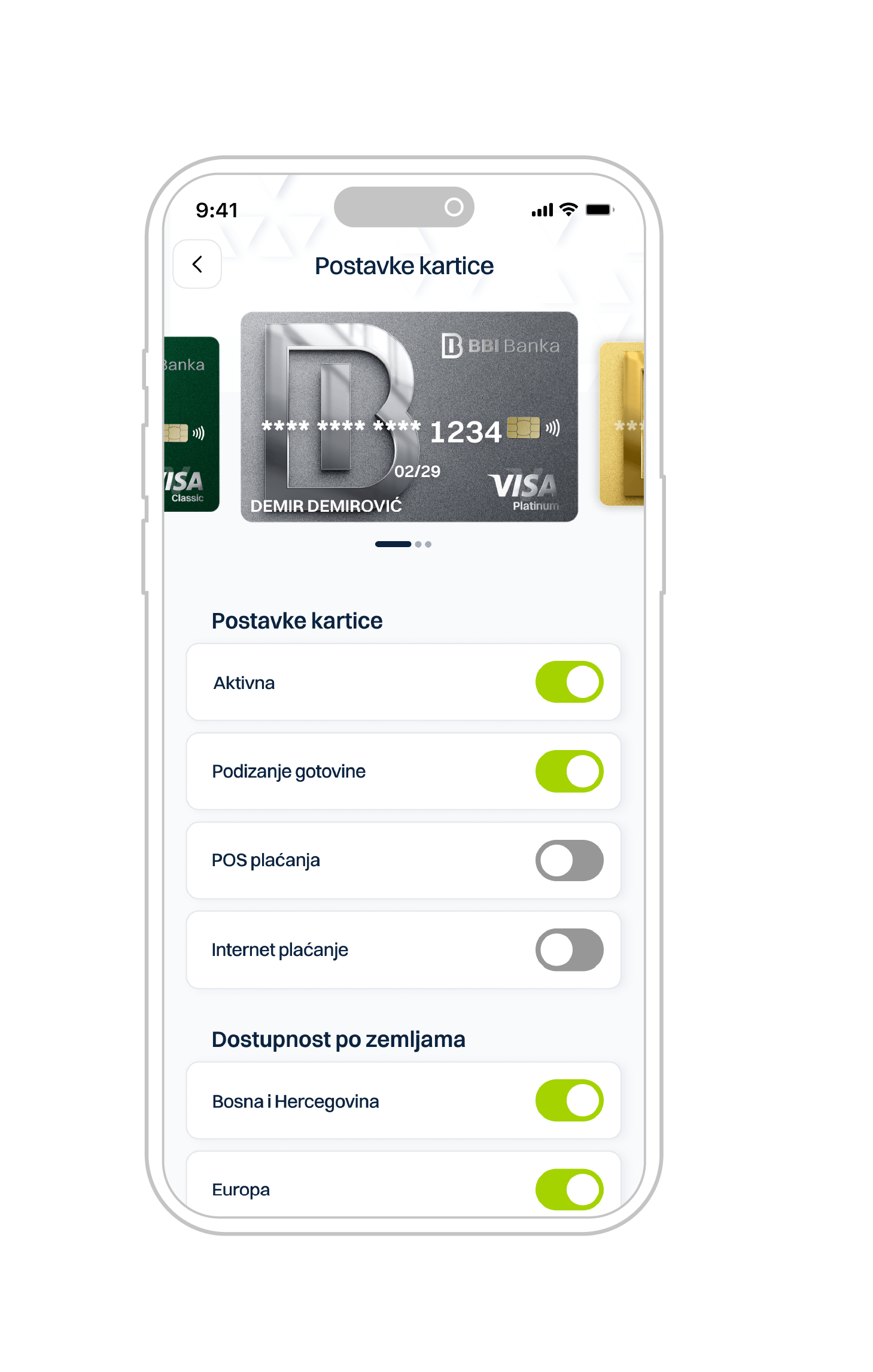
Managing cards in use
Visual display of cards included in the package, with an option to view detailed content. Manage card settings such as card activity, spending locations, limit settings, country availability, and time-based access
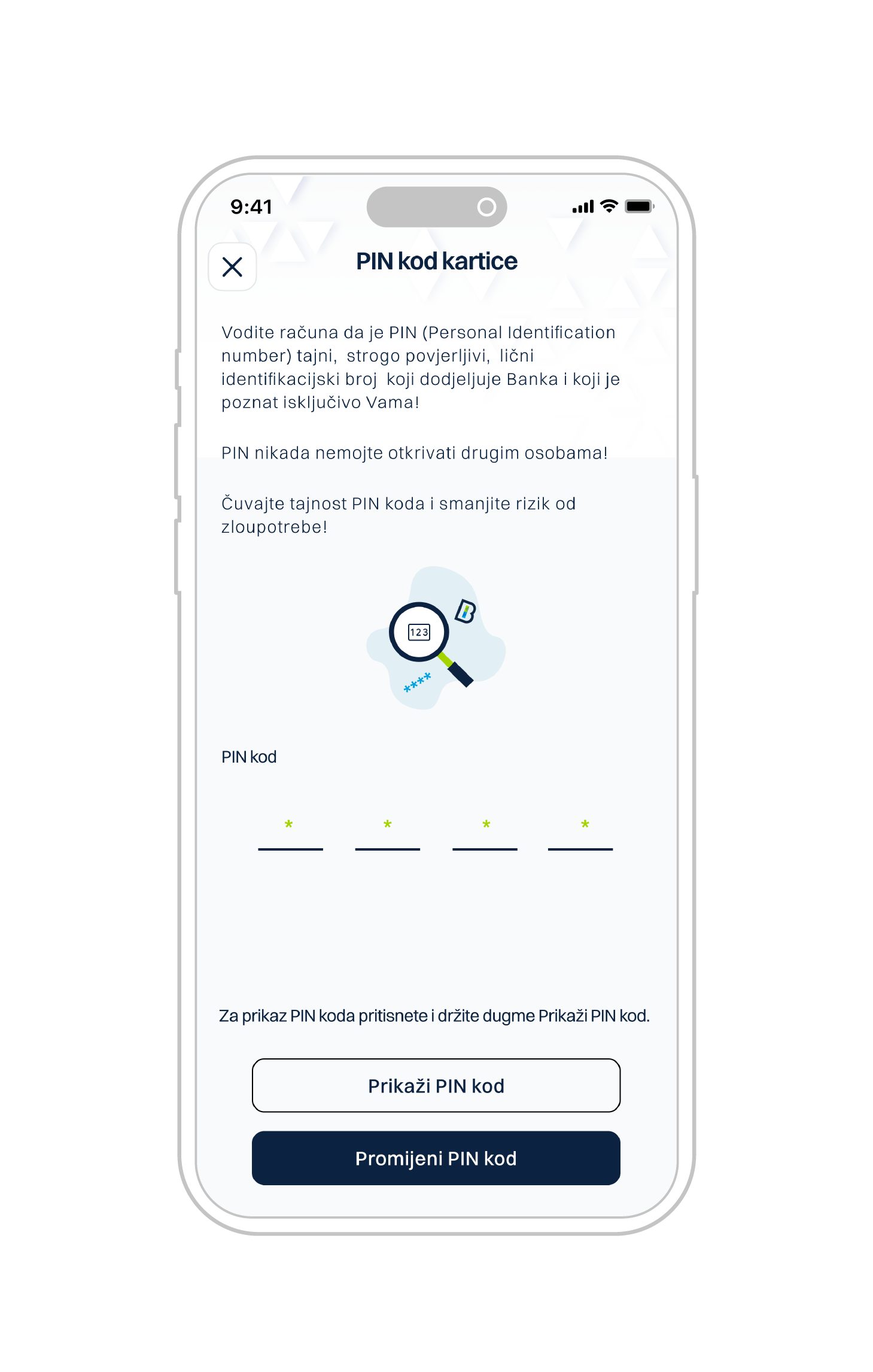
View / change card PIN
the card PIN is forgotten, the user can retrieve it using the 'Show PIN code' feature, as well as change it via the 'Change PIN code' option
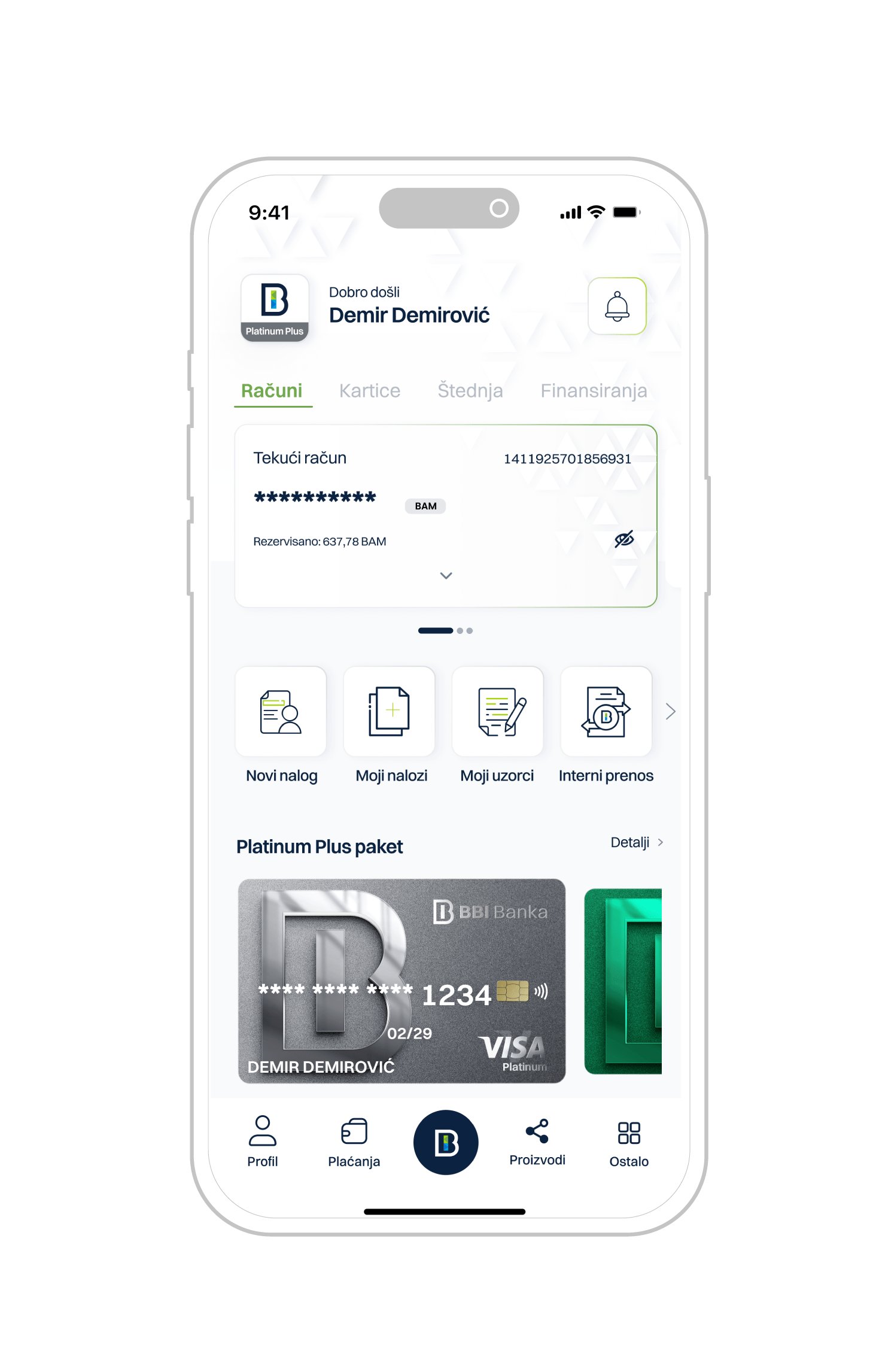
Balance visibility control
At any time, the mBBI mobile app user has the option to hide or show their account balance.
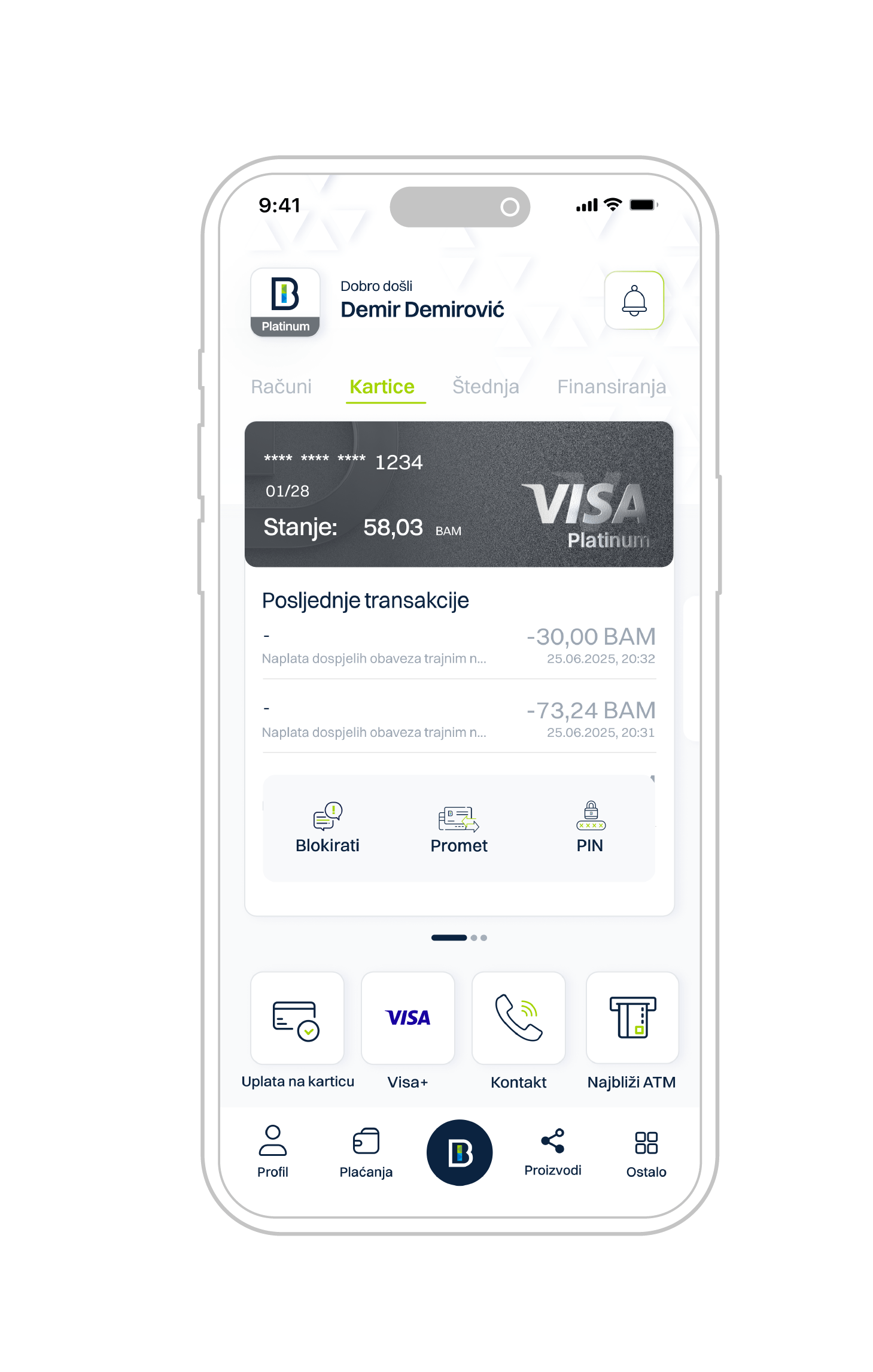
Quick payment services
Quick payment services within the additional menu
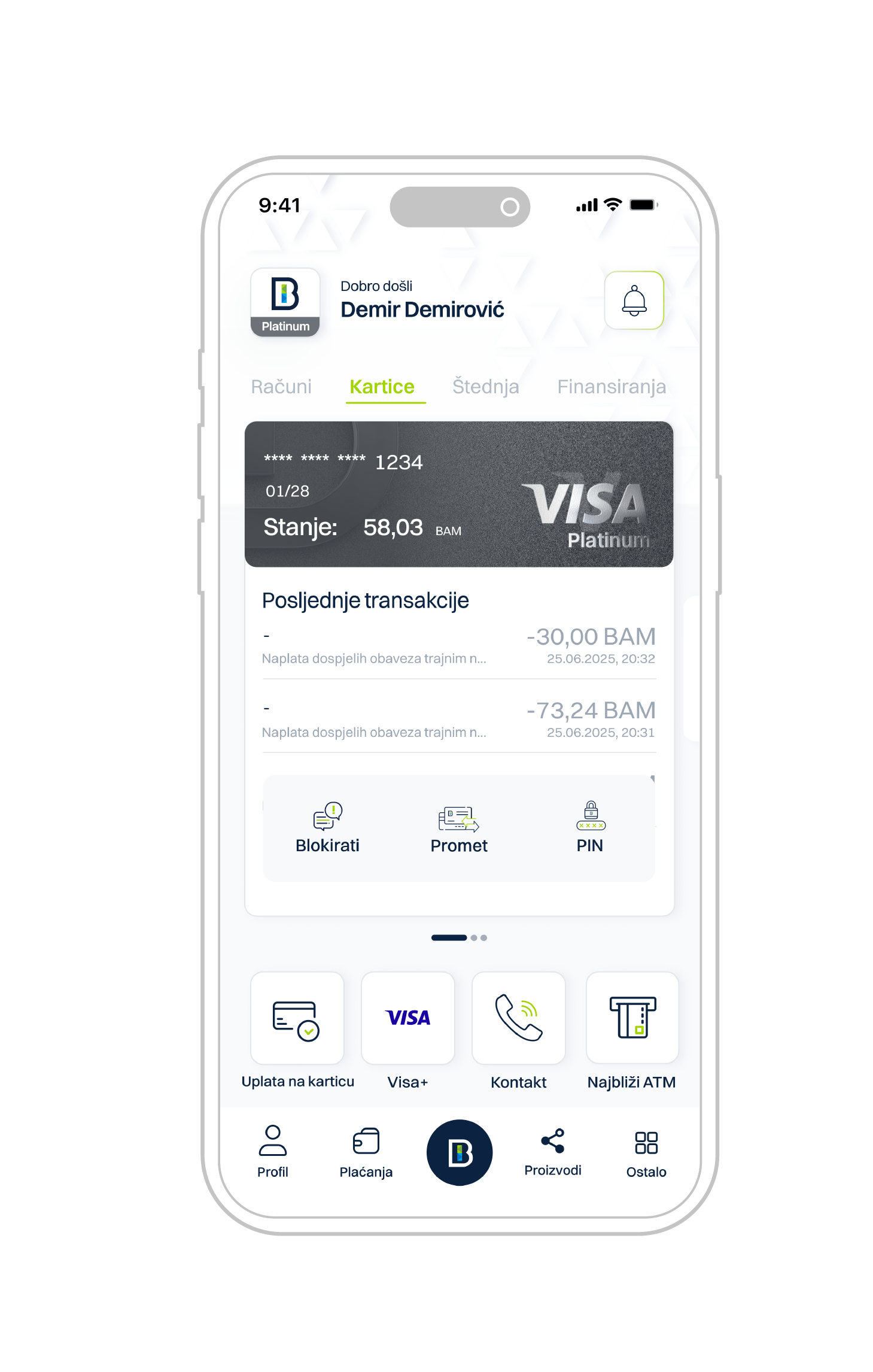
Display of the last two transactions
For each account, the last two transactions are automatically loaded, without the need for the user to enter account details or transaction history
Activation process is quick and easy
Visit the nearest BBI Bank branch to activate the service
It is necessary to have an open current account with BBI Bank.
Download mBBI app
Download the mBBI app and enter your username (received via email) and temporary password (received via SMS). Click on “Confirm.”
Activation key
Enter the activation key from the SMS message (valid for 24 hours) and confirm.
New password
Set a new login password – enter it twice and click “Change Password.”
PIN code
Create a PIN code for payment authorization – it must contain at least 4 digits and include 2 different numbers.
Biometric login
Activate biometric login (via fingerprint or facial recognition) immediately or later in the app settings.
Your opinion, actual results

“Now I have everything in one place. Great design and a completely different app compared to the previous one.”
Haris S.

“Modern design, fast and user-friendly app. Highly recommended!”
Nađa L
Much better screen layout. The functionalities have been significantly improved. And now I no longer forget my PIN.
Said F
Find more FAQ
Below you can read answers to the most frequently asked questions about your mBBI mobile application. For more information, refer to the detailed mBBI user guide.
How can I download the app?
You can download the app from the appropriate app store:
- For Android users, visit the Google Play Store (version 12.0 or later)
- For iOS users, visit the Apple App Store (version 15.0 or later)
You can search for the app by its name “mBBI” and download it.
How do I log in for the first time if I used the old app?
After downloading the app, follow these steps:
- Open the app and select the “Login” option.
- Enter the username you received at the email address registered with the Bank.
- Enter the password you received via SMS.
The login credentials (username and password) are valid indefinitely. - Enter the activation key you received via SMS.
The activation key is valid for 5 days.
What should I do if I haven’t received my login credentials or activation key?
If you do not receive your username, password, or activation key, please:
- Check the spam/junk folder in your email inbox for the message containing your username.
- Verify that your phone number is up to date with the Bank.
- Contact our support team at 080 020 020 or via email at info@bbi.ba for further assistance.
Can I change my password after logging in?
Yes, for your security, we recommend changing your password after your first login.
You can do this in the “Profile” section of the app.
How do I log in for the first time if I used the old app?
After downloading the app, follow these steps:
- Open the app and select the “Login” option.
- Enter the username you received at the email address registered with the Bank.
- Enter the password you received via SMS.
The login credentials (username and password) are valid indefinitely. - Enter the activation key you received via SMS.
The activation key is valid for 5 days.
When can I enter payment orders?
You can enter payment orders 24/7, but their execution depends on the working hours of the payment system:
Domestic payment orders:
- Within BBI Bank – on working days until 20:00 (Saturdays until 15:00)
- To other banks – on working days until 14:00
- Urgent orders to other banks – until 15:30
Orders submitted after these times will be executed on the next working day.
International payment orders:
- T+2 (2 working days) – until 15:00
- T+1 (1 working day) – until 13:00
- T+0 (same day) – until 12:00
I forgot the PIN for my card – what should I do?
If you’ve forgotten your card PIN, you can view it in the mBBI app by selecting:
Cards → Card Settings → Show PIN Code
If you want to change your PIN, select:
Cards → Card Settings → Change PIN Code
After entering your old PIN, input the new one — the change takes effect immediately.
How can I download a statement for my current account?
If you selected electronic delivery of statements when opening your account at a branch, you can view and download your statement directly through the mBBI app:
Accounts → Select account → View statement
The statement can be viewed and downloaded in PDF format.
Download the documentation
Below you can find the user documentation.
